
The song we are going to be recording for the unit 3 project is
Hound dog by Big Mama Thornton.
https://www.youtube.com/watch?v=frsBq9MCNVg
This is a Photo of the plan of action we have for our recording…
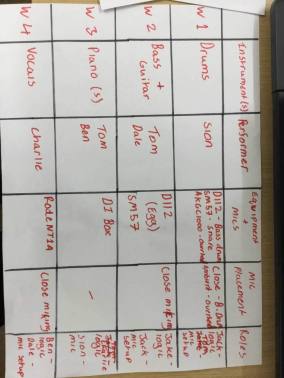
Here is a list of the important equipment we will be using for the recording project:
Microphones:
We will be using 4 different kinds of microphones for the project, each for a specific type of recording. They are the D112, SM57, Rhode NT1A and the AKGC1000. It is important to use the correct microphone when recording music for 2 different reasons… Some microphone have difficulty picking up lower frequency sounds such as the SM57, So the recording will be to quiet. Also different microphones have different levels of clarity. The Vocalist should have the clearest microphone for their vocals. The placement of the microphones is also very important to the sound recorded. Close miking is used for a crisp louder sound. This is achieved by locating one of the speakers inside the amplifiers and placing the microphone as close as possible to the very center. For ambient miking, the microphone should be placed not central but towards the side of the speaker. This is for a different effect. it’s less sharp and loud (more for backing instruments).
These are the microphones specific jobs.
We will be recording the vocals on the Rhode NT1A.
The Bass guitar and Bass drum with the D112.
The overhead drums and symbols with the AKGC1000.
The Keyboards straight into the DI box.
and the Guitars and snare drum with the SM57.
other equipment used…
XLR Cables, To connect the DI box to the wall board and the wallboard to the mixing desk.
Guitar Audio cables, To connect the instruments to the the amplifiers.
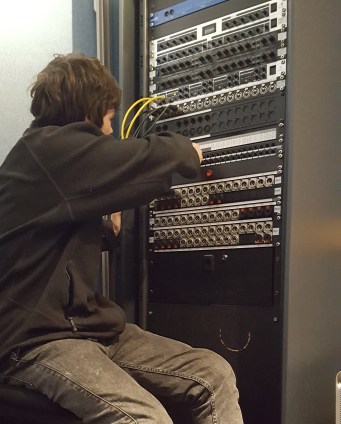
Patch bay, It allows the inputs to be arranged in different combinations.
DI box (direct injection) To covert unbalanced or high signals into a specific format that’s is able to be plugged directly into mixing desks or patch bays without the need for microphones.
instruments, For the musicians to play, the source of the sounds.
Mixer, As in the name, to adjust and mix the sound. add effects such as: Panning, reverb, gain, distortion etc. most importantly to adjust the levels of volume recorded.
Wall board, To connect the Di box and microphones to in the live recording room.
Logic (on a computer), This is the programme used to record and save the music onto.
the role of musician, producer and engineer?
Who is the musicians and performers for this project?
Sion – Drums
Tom – Bass guitar and piano solo
Ben – Piano and guitar
Dale – Guitar
Charlie – Vocal
Week 1 recording project:
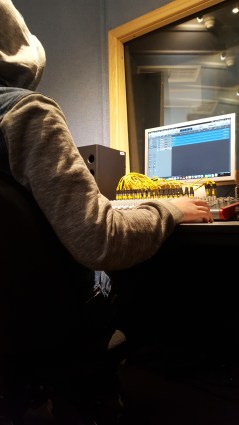
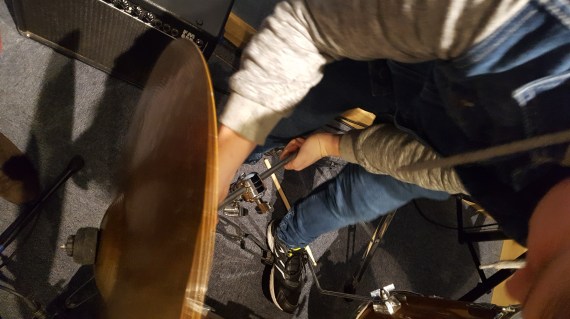
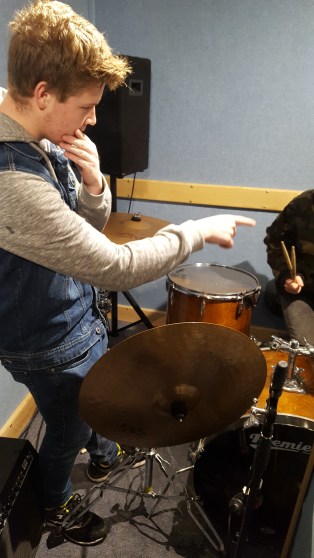
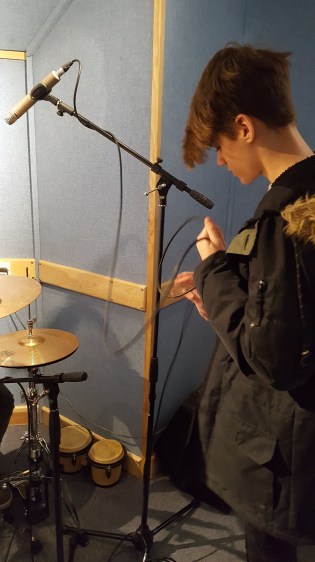
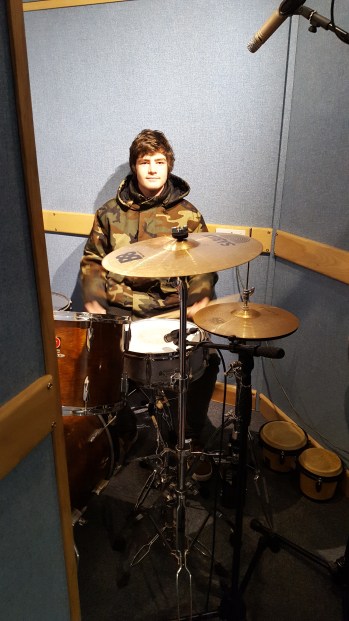
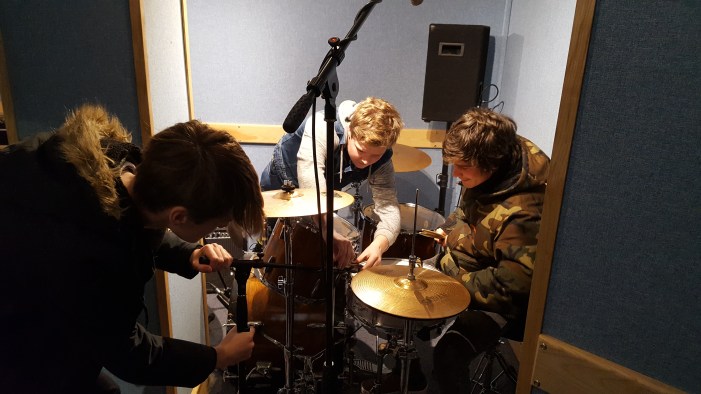
We Recorded Sion’s drum track today. Jacob, Dale and I set up the microphones and adjusted them to the correct placements. Ben pointed out that the mics’ were not at the correct position to pick up the optimum sound, this was quickly rectified by tilting the mics’ down over the drum set. We positioned the D112 right in the Center of the Bass drum. The Sm57 capturing the snare and 2 AKG C1000s’ for the over head mics. Once everything was all plugged in and switched on, the team gathered in the recording room and Sion at the drums. Sion playthings the song really well at a 133 bpm. There was some difficulty initially on getting the click track right for the drummer. Plus Logic was playing up on the computer. After around 5 minutes we figured it out and went on to record a couple takes of drumming. We also managed to get the bass guitar finished and on the track thanks to Tom. So far the song is going very well with two instruments sorted. Next week we plan to add guitars and if there is time electric piano.
These are some pictures from our first Week –

Week 2:
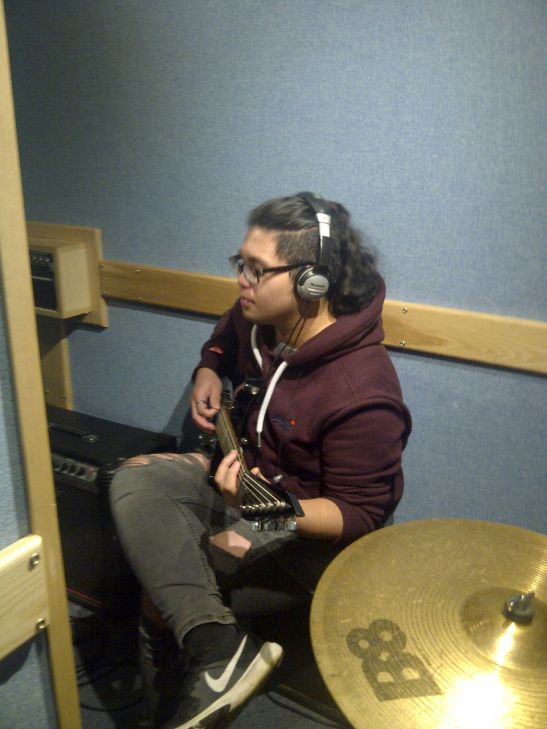
Today we managed to record the guitar parts of Hound dog, Dale was the guitarist playing. We positioned the Shure SM57 right in the center of the guitar amp. This picked up a clean crisp recording of the guitar. Dale was playing a rhythm sequence which involved the notes of the piece in A major. after a few minutes of making sure he could stay in time with the backing track we recording the piece. We took 3 takes until we were satisfied with the timing and sound. Sion and Jake were on at the computers and were recording the sound onto logic. Dale wore headphones so we could communicate with him from the recording room. he spoke into his guitar microphone when he wanted o speak to us from the live room. The recording went quite well, I think if we had more time we could have found something a little more inventive for the guitar to be doing but as we were limited on time we made do with the recording we had already done.
What is the signal path?
In basic terms the signal path is the process of getting a sound waves in the air into a to digital sound on a computer. There are steps we take to follow the signal path.
- The instrument or vocalist played or sings into the correct microphone.
- An XLR cable connects to the microphone.
- The other end of the cable plugs into the wallboard.
- The wallboard connections run into the Patch bay in the recording room.
- With more cables the patch bay connects to the mixer or mixing desk.
- The mixing desk then connects to the computer
- The programme Logic is then opens on the computer and recording can begin.
It is important to remember the signal path has no one right answer and may involve more or less steps. This is the way we are doing it for this units recording project.
What is Panning?
Panning means to spread or channel sound to certain speakers in different strengths. This can be achieved either on the mixing desk or on the programme logic. You can move certain instruments to go through the left or the right speakers or both. This also applies to headphones. It can be used to highlight certain instruments and vocals, so more mellow sounds can be heard clearly without them being lost with the harsher instruments.
Balancing levels and gain staging?
It is very important to balancing the levels on audio files, otherwise the sound may become, muffled, distorted, messy or simply sound bad. one obvious element that needs balancing is the volume of each specific instrument. for example the drums will most likely need to be turned down with the volume as this instrument is renowned for being loud. Other instruments such as bass guitars or double bass may also be turned down. the opposite maybe needed for quieter instruments like acoustic guitars or wind instruments. Balancing levels is also very helpful for finding certain sounds. You can take certain elements away from the recording or increase them, such as Bass or reverb. An easy way to make sure the gain is to to much or little is to look at the little green meter on logic. If the sound has too much gain it will become distorted, this is indicated by the meter going into the red. If the sound is to quiet and not picking much up the meter will be far on the other side but green. Usually you should try and find the perfect balance with the gain meter around the middle.
Week 3:
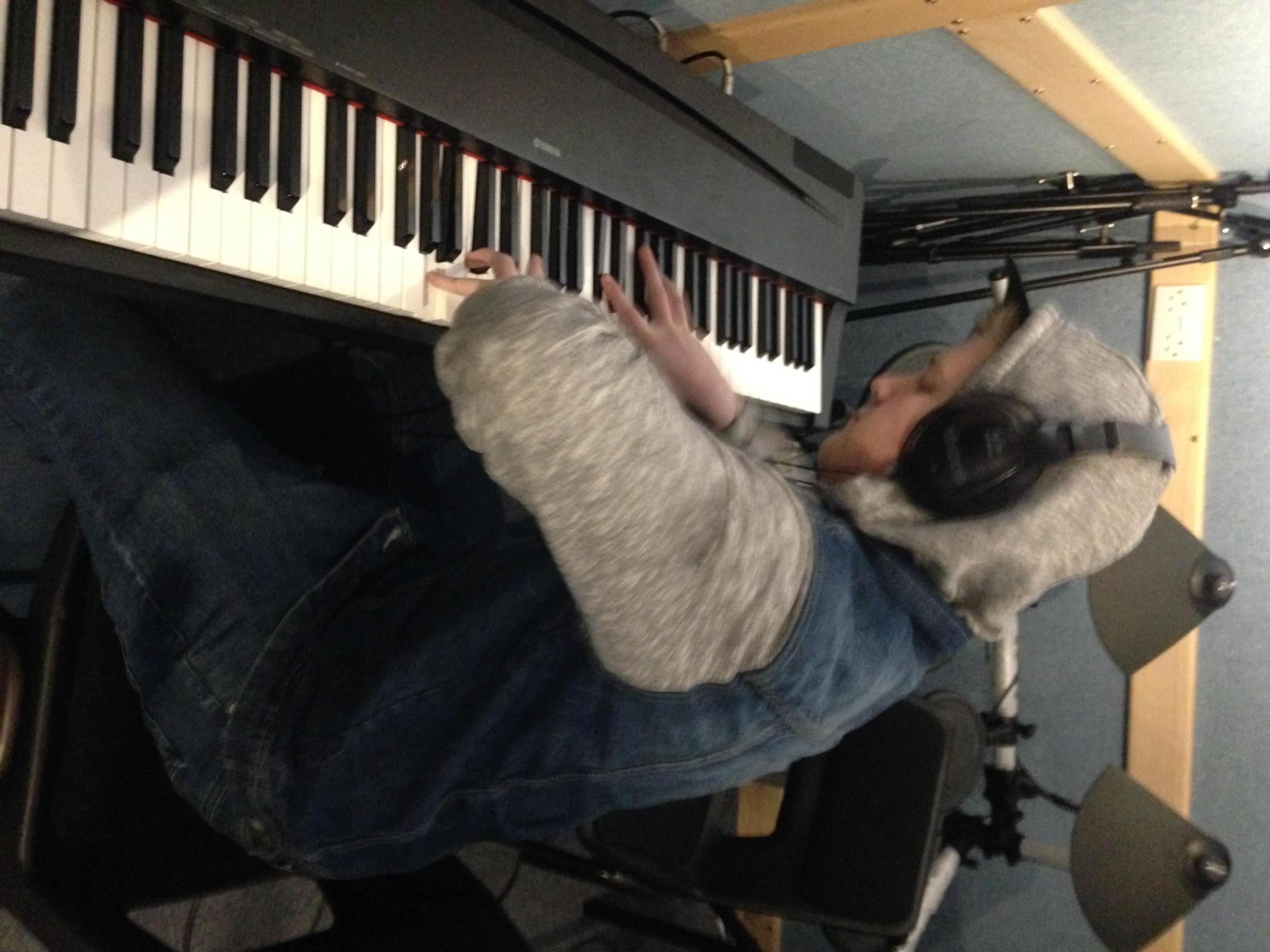
Today was my turn to be the musician for our blues song. Only me, Nathan and Charlie were in college as the others had a maths exam. so we Plugged the keyboard into the DI box and then into the wall board. I set up headphones so I could listen to the recording room. I then went on to record the piano/keyboard parts of the song. It’s a twelve bar blues in the key of A Major. with the chords A, D and E. I played every other chord with the 6th note as well. e.g A, A6, D, D6, E, E6. The song is only a couple minutes long and we were satisfied straight away with the keyboard parts so we balanced the level but noticed a slight problem. The guitar section of the song didn’t really follow the same rhythmic pattern that the piano does. so we recorded the guitar again with me playing the same notes I did on piano. We all agreed it worked better as it was the same as the piano but we kept the original on logic to show and discuss with the whole bad as many members were absent this week. Now that we have the keyboard in the song and the guitar refreshed that marks the end of the Rhythm and tempo section with only the vocals and the jazzy piano solo left to record. We should get round to all that next week and finish the song.
week 4:
Today we recorded the vocals and piano solo parts of the sing ‘Hound dog’. Sadly Tom wasn’t in college so we had to adapt and I played an improvised solo in his place. I stayed with the same key using the A, D and E major scales. My solo was not as good as Toms would have been most noticeably because he is a very good and confident Jazz player and does that style all the time. We took a couple of takes until we were satisfied with the sound. We also turned the backing pianos levels down because we felt that they maybe too overpowering. We also managed to get the vocals all done in just one take thanks to Charlie, after getting the input and output levels balanced. We used the NT1A microphone which sat in a cradle to avoid vibrations coming from the room. We also used a pop shield to avoid plosives being picked up on the microphone. With the words in and the solo down we began to finalize the project. Tying up any loose ends. Such as are the instruments at the right volume? And is everyone in sync. Once that was all complete we saved the file.
Here is a link to the track we recorded. Hope you enjoy…
https://adexecollacuk-my.sharepoint.com/personal/benjaminhillier1_exe-coll_ac_uk/_layouts/15/onedrive.aspx?id=%2Fpersonal%2Fbenjaminhillier1_exe-coll_ac_uk%2FDocuments%2FTeaching%20Material%2FLevel%202%2FUnit%203%2FAssessments%2Fhound%20dog%20drums%20COMPLETE%20mp3%2Emp3&parent=%2Fpersonal%2Fbenjaminhillier1_exe-coll_ac_uk%2FDocuments%2FTeaching%20Material%2FLevel%202%2FUnit%203%2FAssessments&slrid=8032ad9e-c058-7000-5b02-a638eb5559ed
Ben McKenzie 18/12/18
 Bens music blog